AI is reshaping the way we build software. From writing boilerplate code to debugging complex systems, the tools we use today are evolving fast. As a software engineer with 14+ years of experience, I’ve tested most of the AI coding tools on the market. One that’s been getting serious attention is Claude Code AI, a coding-focused capability of Anthropic’s Claude family of AI assistants. While GPT-based tools like GitHub Copilot or ChatGPT have dominated headlines, Claude is quietly carving out a niche of its own, especially when it comes to responsible, structured AI development.
So, what exactly is Claude Code AI, and why should developers care? If you’re just starting out in tech or you’re an experienced developer, Claude has something valuable to offer. Here’s the full breakdown.
What is Claude Code AI?
Claude Code AI refers to two things in 2026: the programming capabilities built into Anthropic’s Claude models, and the new Claude Code CLI, a dedicated command-line tool for developers.
The latest models include Claude 3.5 Sonnet (fast and excellent at coding) and Claude Opus 4.5 (the most capable model for complex reasoning and large projects). Both are built with Constitutional AI principles, prioritizing safety, clarity, and alignment with human intent.
When people talk about “Claude Code AI,” they’re usually referring to:
-
Claude’s ability to write, edit, and explain code in various programming languages.
-
Its use in debugging, commenting, and optimizing codebases.
-
The model’s strength in understanding longer contexts (up to 200,000 tokens), making it especially good at analyzing large codebases or multi-file systems.
-
The Claude Code CLI, which lets developers use Claude directly from their terminal.
Claude Code CLI: Why It Matters in 2026
Anthropic released Claude Code, a command-line interface that brings Claude directly into your development workflow. This is a major step forward from copying and pasting code into a web interface.
What Claude Code CLI does:
- Runs in your terminal alongside your existing tools.
- Reads and understands your entire project structure.
- Can create, edit, and delete files directly.
- Executes commands, runs tests, and handles git operations.
- Works with any programming language or framework.
Why developers love it:
- No context switching. You stay in your terminal.
- It sees your whole codebase, not just snippets you paste.
- It can make changes across multiple files in one go.
- Natural conversation flow. Ask follow-up questions, refine requests.
Example workflow: You’re working on a project and need to add a new feature. Instead of writing the code yourself or pasting files into a chat window, you tell Claude Code: “Add user authentication with JWT tokens to this Express app.” Claude reads your existing code, understands the structure, and creates the necessary files, routes, and middleware.
This is different from autocomplete tools like GitHub Copilot. Claude Code works at the project level, understanding relationships between files and making coordinated changes across your codebase.
Why Does Claude Matter in the Coding World?
There are a lot of AI coding tools out there already. GitHub Copilot is baked into VS Code. ChatGPT writes code on command. Replit has Ghostwriter. So why bother with Claude?
Here’s what makes Claude stand out:
1. Long Context Window

This is Claude’s killer feature. While GPT-4 handles around 128K tokens, Claude 3.5 Sonnet and Opus 4.5 can handle 200K tokens, which is closer to 300-400 pages of code, documentation, or combined content.
That’s a big deal for:
-
Refactoring large codebases.
-
Understanding context across multiple files.
-
Parsing and summarizing long API docs or project specs.
2. Strong at Natural Language Reasoning
Claude shines when you need it to explain what code does, step by step, in clear language. Its training favors interpretable, conversational output. It’s less likely to hallucinate obscure packages or functions, and more likely to err on the side of caution, often asking for clarification before generating something risky.
3. Constitutional AI Makes It Safer
Anthropic designed Claude with a “constitution” of rules and ethics that guide how it answers. This makes it more aligned with safe coding practices and less prone to generating malicious or harmful code.
You won’t easily trick Claude into generating malware or exploits, for example. While this might frustrate some power users, it’s a win for security-conscious teams and enterprise environments.
4. Collaborative Style
Claude tends to work more like a pair programmer than a code genie. It might ask you questions, suggest alternatives, or point out possible edge cases. This makes it especially valuable for collaborative coding, debugging sessions, or learning environments.
What Can Claude Code AI Do?
Let’s break down some use cases for Claude as a coding assistant.
1. Code Generation
You can give Claude a prompt like:
“Write a Python script that scrapes news headlines from Hacker News and saves them to a CSV.”
Claude will not only give you clean, well-structured code, but also comment it thoroughly and sometimes even explain how to install the dependencies or run the script.
2. Code Explanation
Paste a complex block of JavaScript or C++ into Claude and ask:
“Explain what this function does line by line.”
Claude handles this extremely well. It’s like having a mentor look over your shoulder, breaking things down so you can really understand what’s happening under the hood.
3. Refactoring and Optimization
You can give it legacy code, say from a ten-year-old PHP app, and ask:
“Can you refactor this to modern PHP syntax and improve performance?”
Claude will do it, and usually annotate its changes clearly.
4. Debugging Help
Provide Claude with an error message, the relevant code snippet, and a short description of what you were trying to do. Claude will suggest possible causes, often offering multiple solutions or next steps.
5. Test Writing
Ask Claude to generate unit tests or integration tests for your functions, and it’ll do so using frameworks like Jest, Pytest, or JUnit, depending on your language.
Real-World Scenarios Where Claude Shines
Scenario 1: Analyzing a Large Codebase
You’re handed a legacy enterprise app with dozens of files and unclear logic. Claude can ingest huge swaths of this project and create summaries, dependency maps, and even document undocumented functions.
Scenario 2: API Integration
You’re working with a complex third-party API and need help figuring out the request formats. Paste the API docs (even if they’re huge), and Claude can parse them, summarize the key endpoints, and help you write wrappers.
Scenario 3: Teaching or Learning to Code
Claude’s conversational style makes it perfect for beginners. Ask a basic question like “What does async/await do in JavaScript?” and it’ll walk you through an explanation with examples, analogies, and follow-up questions.
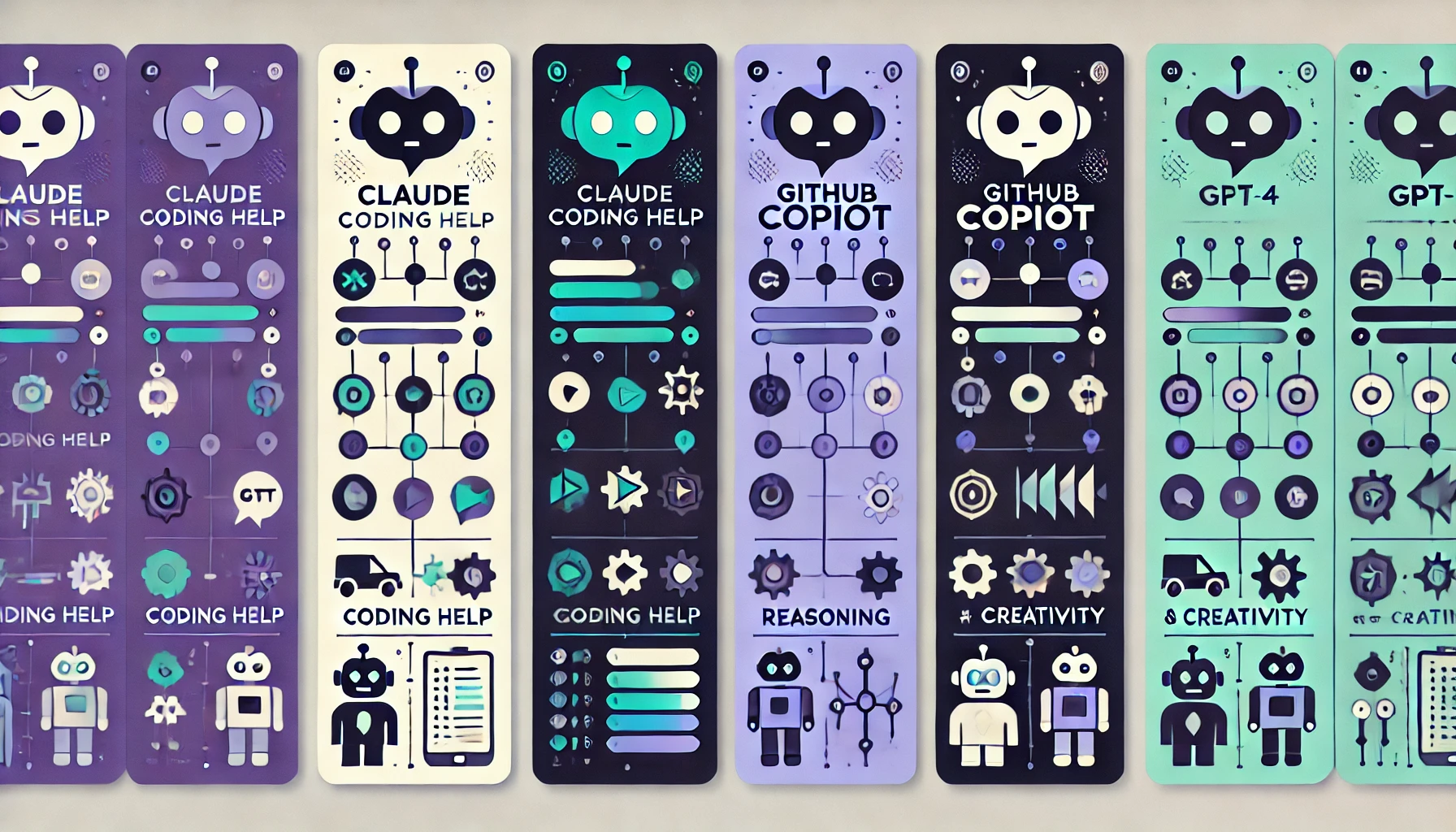
Claude Code AI vs. GitHub Copilot vs. ChatGPT
| Feature | Claude Code | GitHub Copilot | ChatGPT (GPT-4o) |
|---|---|---|---|
| Context Window | Up to 200K tokens | Limited (~8K) | Up to 128K tokens |
| CLI Tool | Yes (Claude Code) | No | No |
| IDE Integration | VS Code extension | Full IDE integration | Extensions available |
| Project-Level Understanding | Excellent | File-level only | Chat-based only |
| Natural Language Explanations | Very strong | Minimal | Strong |
| Safety and Alignment | High | Moderate | Moderate-High |
| Best Use Case | Large projects, refactoring | Fast autocompletion | General coding chat |
GitHub Copilot excels at line-by-line autocomplete. ChatGPT is great for explaining concepts and writing snippets (see our advanced ChatGPT tips if you use it regularly). Claude Code is built for working on entire projects, understanding codebases, and making coordinated changes across multiple files.
The Limitations
Claude has improved significantly, but some limitations remain:
-
Cost: Claude Code CLI and API usage can add up for heavy users. The free tier has limits.
-
Response times on large contexts: Processing 100K+ tokens takes longer than smaller requests.
-
Can be overly cautious: Sometimes Claude won’t generate certain scripts if it thinks there’s potential for misuse. This is a feature for some teams, a frustration for others.
-
Learning curve for CLI: The Claude Code CLI is powerful but takes some time to learn effectively.
The good news: IDE integration has improved with VS Code extensions, and the Claude Code CLI eliminates the need for copy-pasting code into web interfaces.
Future Outlook
Anthropic has moved fast. The Claude Code CLI shows they’re serious about developer tools, not just chat interfaces. With Opus 4.5 and continued improvements to Sonnet, Claude is becoming a real contender for professional development workflows.
The AI coding space is competitive. GitHub Copilot has deep IDE integration. ChatGPT has brand recognition. Google’s Gemini is improving. But Claude’s combination of long context, project-level understanding, and the dedicated CLI gives it a unique position for developers working on complex projects.
Expect more IDE integrations, team collaboration features, and specialized coding models in the coming months.
Claude is one of many powerful AI tools available today. Check out our complete guide to the Best AI Apps of 2026 to see what else is worth trying.
Final Thoughts
Claude Code AI might not be the flashiest tool out there, but it’s a serious contender. If you value context, safety, and collaboration over raw speed or autocompletion, it’s a tool worth adding to your coding toolkit.
In a world that’s speeding toward AI-assisted software development, tools like Claude offer a more thoughtful, interpretable way forward, especially when working on complex systems or in high-stakes environments.
If you’re a developer, team lead, or tech educator, Claude deserves a closer look.
Want to try it? Claude is accessible via Anthropic’s official site, and integrations via Notion, Slack, and Quora’s Poe platform make it even easier to test its coding chops.
Let’s be honest: writing clean code is hard. But with the right AI co-pilot-one that respects the code, understands your intent, and asks good questions-it just got a lot easier.
New to AI tools in general? Start with our guide on AI Tools for Beginners 2026 to get up to speed. And if you want to get better results from any AI assistant, learn the basics of prompt engineering.